


Your cameras see everything. CamAI tells you when it matters.
Smoke, a missing helmet, someone in a restricted zone: your team gets the alert with the clip. On the cameras you already have.
- Works with your existing IP cameras
- Analysed on a server at your site
- No one is identified
CCTV records everything. Then nobody watches it.
Nobody watches every screen
One operator, dozens of feeds. Most of it is never seen.
Footage is checked too late
Incidents are found the next morning, after the damage.
Violations repeat
No clip of the first one, so nothing to coach from.
Without CamAI
- 02:14Smoke appears on camera
- UnseenNobody is watching that screen
- 06:50Found when the morning shift arrives
With CamAI
- 02:14Smoke appears on camera
- AlertThe duty team gets the alert with the clip
- ActionThey check the clip and respond
How CamAI works. Three steps, on the cameras you already have.
- 01
Your cameras
Your IP cameras keep recording as they do today. CamAI reads the same feeds over RTSP or ONVIF.
- 02
CamAI checks your rules
A CamAI server at your site watches every feed, day and night, for the rules you switch on.
- 03
Your team gets the alert
The right person gets the alert with a short clip, by app, WhatsApp, SMS, email or Telegram.
Illustration · sample cameras and alert
One camera network. The jobs it does today.
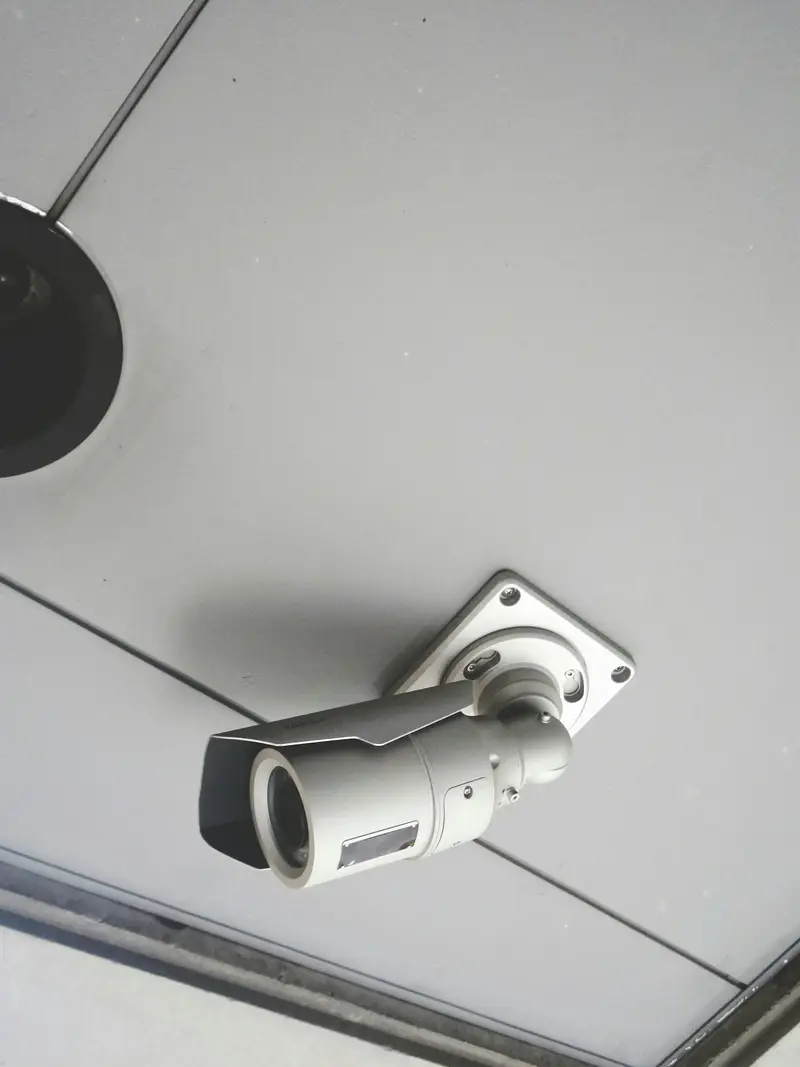
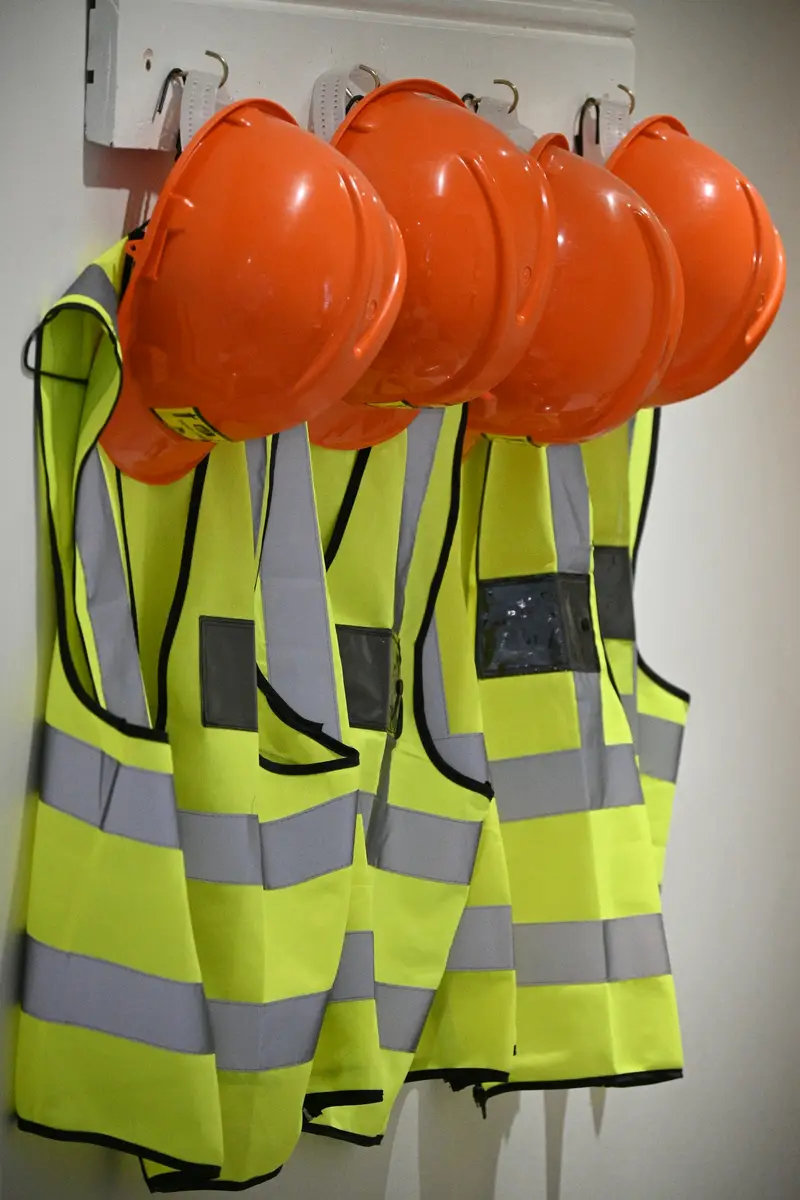


Pick your site. Choose your rules.
Switch rules on and off. See the alerts your team would get.
Alerts today
- 07:52Counter left without staffCAM 02 · clip
- 10:14Checkout queue too longCAM 03 · clip
- 13:40Back door or stockroom after closingCAM 04 · clip
- 18:12Suspicious behaviourCAM 05 · clip
- 21:46People counting, heatmaps and dwellReport
- 23:38Smoke or fire in storesCAM 07 · clip
No rules on. Switch one on to see its alert.
Alerts today
- 07:52Hairnet or gloves missing at prep stationsCAM 02 · clip
- 10:14Uniform not worn in the kitchenCAM 03 · clip
- 13:40Counter left without staffCAM 04 · clip
- 18:12Cold store or back door after hoursCAM 05 · clip
- 21:46Queue at the counterCAM 06 · clip
- 23:38Smoke or fire in stores and back areasCAM 07 · clip
No rules on. Switch one on to see its alert.
Alerts today
- 07:52Helmet or high-visibility vest missingCAM 02 · clip
- 10:14Person in a forklift lane or loading-bay zoneCAM 03 · clip
- 13:40Entry to a restricted store or plant roomCAM 04 · clip
- 18:12Smoke or fire in racking and loading baysCAM 05 · clip
No rules on. Switch one on to see its alert.
Alerts today
- 07:52Visitor enters without the required wristbandCAM 02 · clip
- 10:14Too many people at a ride or play zoneCAM 03 · clip
- 13:40Counter left without staffCAM 04 · clip
- 18:12Someone in a staff-only or restricted areaCAM 05 · clip
- 21:46Entry after closing timeCAM 06 · clip
- 23:38Queues, people counting and smoke near the machinesCAM 07 · clip
No rules on. Switch one on to see its alert.
Example · sample times, cameras and events

Why teams choose CamAI. Four reasons.
Video stays at your site
Analysed on a server at your premises.
No one is identified
No face recognition. Alerts are about situations.
Proven before rollout
Rules tested on your own footage first.
Your existing cameras
Any IP camera over RTSP or ONVIF.
Start with one site. See real alerts before you decide.
Site visit
We check your cameras and what matters to you.
Pilot on your footage
Your rules, tested on your own cameras.
Written proposal
Scope, timeline and cost. Pricing by quote.

Questions about CamAI
Short answers.
Do we need new cameras for CamAI?
No. CamAI works with IP cameras that stream over RTSP or ONVIF, which covers most modern CCTV. If some cameras are older analogue models, we check during the site visit what is needed to connect them.
Where is the video processed and stored?
Usually on a CamAI server installed at your site, so video is analysed where it is recorded and footage doesn’t need to go to the cloud. FRESME’s own servers for CamAI are in each region we serve.
How do alerts reach our team?
By mobile app notification, WhatsApp, SMS, email or Telegram, with the camera, the time and a saved clip. You choose which alerts go to whom and during which hours. Managers also get a web dashboard and the mobile app.
How much does CamAI cost?
Pricing is by quote. It depends on the number of sites, cameras and rules. After the pilot we send a written proposal with scope, timeline and cost.
Quick question? Ask Osama
Our AI assistant answers right away, in English or Arabic.
See what your cameras have been missing.
Leave your number. We call you and plan a pilot on your cameras.
What happens next
- 1Our team contacts you to arrange a visit to your site.
- 2We look at your cameras and agree the rules with your team.
- 3A pilot on a few of your cameras, then a written proposal.